
The aggressive flashing and strobing lights in Resident Evil Requiem throw off gaming completely and you need to disable Subsurface Scattering (SSS) in the Graphics menu. This specific shader conflict causes character models to glow white and light artifacts to “pop” when the engine fails to calculate light penetration correctly.
If you’re on NVIDIA hardware, ensure you’ve updated to the v595.76 March 2026 Hotfix to stabilize the RE Engine’s lighting. For those with high-end RTX 50-series cards, enabling Full Path Tracing actually bypasses this bug entirely, allowing you to keep SSS active without the visual glitches.
Lighting Stability Checklist
- Primary Fix: Set Subsurface Scattering to OFF in Advanced Graphics settings.
- Driver Update: Install NVIDIA v595.76; if crashing persists on RTX 40-series, roll back to v590.48.
- High-End Option: Use Full Path Tracing + DLSS 4 to fix the SSS calculation error.
- Linux/Steam Deck: Switch to GE-Proton 10-32 for the best compatibility with the latest 1.11 patch.
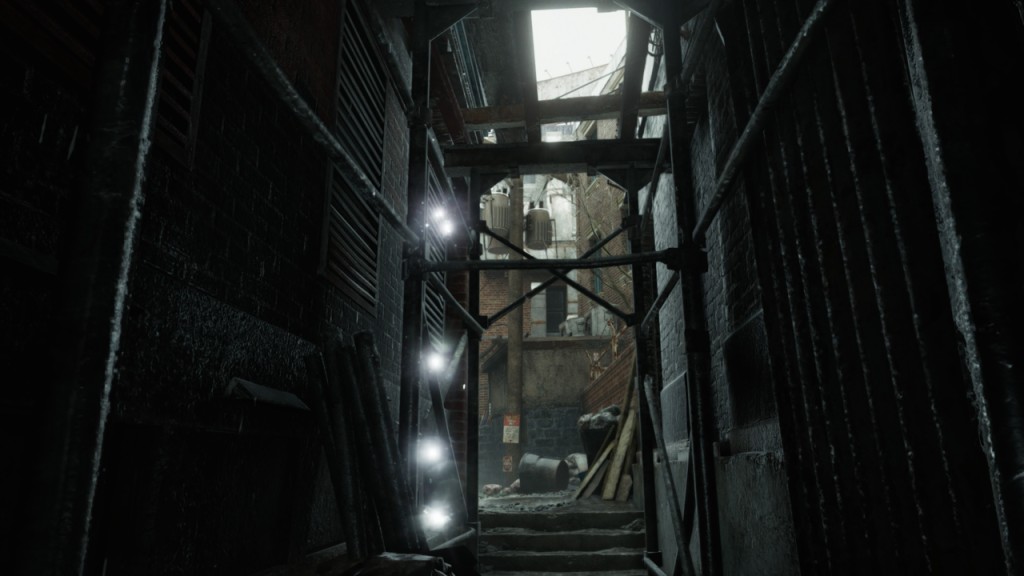
How to Stop Flashing & Strobing Lights in Resident Evil Requiem
While visually jarring, this issue is a software-level shader conflict and not a sign of failing hardware. Below is the definitive community-tested fix to stabilize your game.
🛠️ The Primary Fix: Disable Subsurface Scattering (SSS)
The most effective way to stop the flashing lights immediately is to disable the Subsurface Scattering setting. This feature simulates how light passes through translucent surfaces (like human skin). When it bugs out, the engine outputs “infinite brightness,” causing the white glow or strobing.
Step-by-Step Instructions:
- Open the Menu: Pause your game and navigate to Settings.
- Graphics Tab: Select the Graphics menu.
- Advanced Settings: Select the main image on the right and scroll down to unwrap the Advanced Settings drop-down.
- Disable SSS: Find Subsurface Scattering and toggle it to “Off.”
- Save & Resume: Exit the menu to apply changes. The flickering should vanish instantly.
🚀 Expert Troubleshooting & Driver Updates
While the SSS toggle is the “quick fix,” the root cause is often tied to your GPU drivers or specific rendering modes.
1. Update (or Roll Back) Your NVIDIA Drivers
NVIDIA released a specific “Game Ready” driver for Requiem (v595.59) that caused significant issues for many users, including fan control bugs and artifacts.
- Recommendation: If you are on an older driver, update to v595.76 (the March 2026 Hotfix) which addresses several RE Engine lighting anomalies.
- Note: Some users on RTX 40-series cards report better stability on v590.48 if the newest drivers still cause crashing in the Raccoon City segments.
2. The Path Tracing (PT) Paradox
Curiously, users running the game with Full Path Tracing enabled do not seem to suffer from this specific SSS bug.
- The Trade-off: Path Tracing is extremely resource-heavy. If you have an RTX 50-series card and can maintain a stable frame rate, switching to Path Tracing allows you to keep Subsurface Scattering On without the flickering.
- Warning: Do not use Frame Generation if your base FPS is below 60–70, as it can introduce significant input latency and visual “shimmering.”
3. For Linux & Steam Deck Users
If you are playing via Proton, the /WineDetectionEnabled:False launch argument is often used to “force” Ray Tracing options to appear.
- Troubleshooting: If you experience crashes with this argument, try removing it. Some recent patches have made this command unstable in specific “Safe Room” areas.
📊 Summary of Fixes by System Type
| User Profile | Recommended Action |
| Photosensitive Players | Immediately set Subsurface Scattering to OFF. |
| Performance Users | Set SSS to OFF; update to Driver v595.76. |
| High-End RTX Users | Enable Path Tracing + DLSS 4 to bypass the SSS bug entirely. |
| Linux / Steam Deck | Use GE-Proton 10-32 and verify if /WineDetectionEnabled is still needed after Patch 1.11. |
Pro-Tip: If the game still looks “wobbly” after these fixes, try disabling Film Grain and Lens Distortion, as these post-processing effects can sometimes conflict with the Ray Reconstruction denoiser.
Last Updated on April 3, 2026

An avid listener of music from a number of countries. Writing is his hobby and passion. A follower of all the latest android and PC games. Not to mention his favorite: Mobile Legends!