
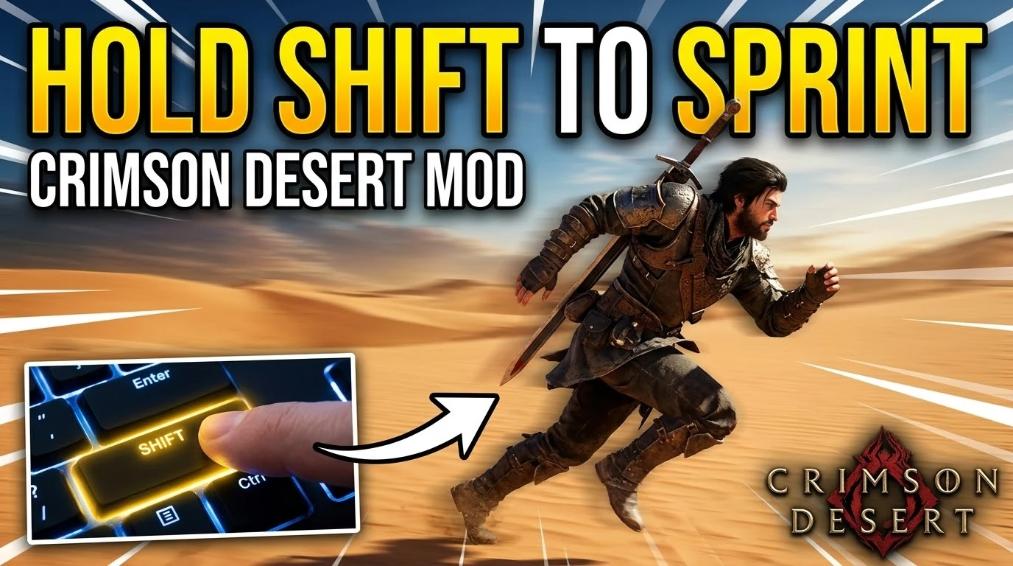
To make Crimson Desert feel more modern, you can use community mods to fix the clunky “tap to sprint” mechanic and the locked controller layout. By installing CDSprintHold and the Controller Button Remapper, you can switch to a standard “hold to run” system and fully customize your controller buttons via a simple settings file.
Essential Control Mods
- CDSprintHold: Changes the game so you just hold Shift to run or gallop instead of mashing it.
- Controller Button Remapper: Unlocks full rebinding for all 16 controller inputs (like the D-pad and triggers) through an
.initext file. - Shortcut Mod: Adds missing keyboard hotkeys so you can open your Inventory or Quest Book with one press.
How to Install: Drop your mod files into the game’s folder at: ...\Crimson Desert\bin64. It’s a good idea to back up your original files before you start.
Crimson Desert: How to Fix Controller Rebinding and Sprint Tapping

Core Optimization Mods
| Feature | Mod Name | Primary Benefit | Platform |
| Sprinting | Hold Shift to Sprint | Changes “tap to sprint” to a modern “hold” mechanic. | Keyboard Only |
| Remapping | Controller Button Remapper | Unlocks full rebinding for all 16 controller inputs. | Controller |
| Shortcuts | Set Inventory Hotkey | Adds missing keyboard shortcuts for menus. | Keyboard Only |
Improving Exploration: “Hold Shift to Sprint”
By default, Crimson Desert requires players to repeatedly tap the Shift key to maintain maximum velocity. This can lead to physical fatigue over long play sessions.
The Fix: The CDSprintHold mod replaces this mechanic.
- On-Foot: Hold Shift for immediate full-speed sprinting.
- Mounted: Hold Shift for consistent horse galloping.
- Installation Path: >
SteamLibrary\steamapps\common\Crimson Desert\bin64

Overcoming Controller Limitations
One of the most significant hurdles for controller players is the lack of native button rebinding. The Controller Button Remapper bypasses this restriction without requiring external software like Steam Input or DS4Windows.
Key Features:
- Full Input Support: Remap all 16 inputs, including D-pad, Stick Clicks (L3/R3), and Triggers.
- Axis Control: Supports remapping for stick and trigger axes.
- Lightweight: Uses a simple
.INItext file to store your preferences.
How to Remap:
- Download the mod files from the Nexus link above.
- Open the included
.INIfile with any text editor (Notepad). - Assign your desired buttons following the provided template.
- Launch the game; the mod will inject your custom layout automatically.
Keyboard Shortcuts & Quality of Life
For keyboard users, the lack of dedicated hotkeys for certain menus (like the Inventory) can make UI navigation feel clunky.
- The Shortcut Mod: Allows you to map specific keys to menus that previously required multiple clicks or “Esc” menu navigation.
- Note: This is currently Keyboard Only and does not apply to controller users.
Credibility & Trust
- Author Credit: These mods are community-created. Always check the Nexus Mods page for the latest version and specific author credits.
- Safety Tip: Before installing any mod into your
\bin64folder, it is best practice to back up your original game executable and save files. - Compatibility: Ensure your game is updated to the latest version, as game patches may occasionally break mod functionality.
Expert Insight: If you are using a non-Steam controller (like a PS5 DualSense or a generic brand), the Controller Button Remapper is often more stable than internal game settings as it handles inputs at the system level via the INI configuration.
Last Updated on May 1, 2026

An avid listener of music from a number of countries. Writing is his hobby and passion. A follower of all the latest android and PC games. Not to mention his favorite: Mobile Legends!